Move each error toward a PR.
Triage, diagnose, patch, and check — one board keeps the path to review visible.
How it works
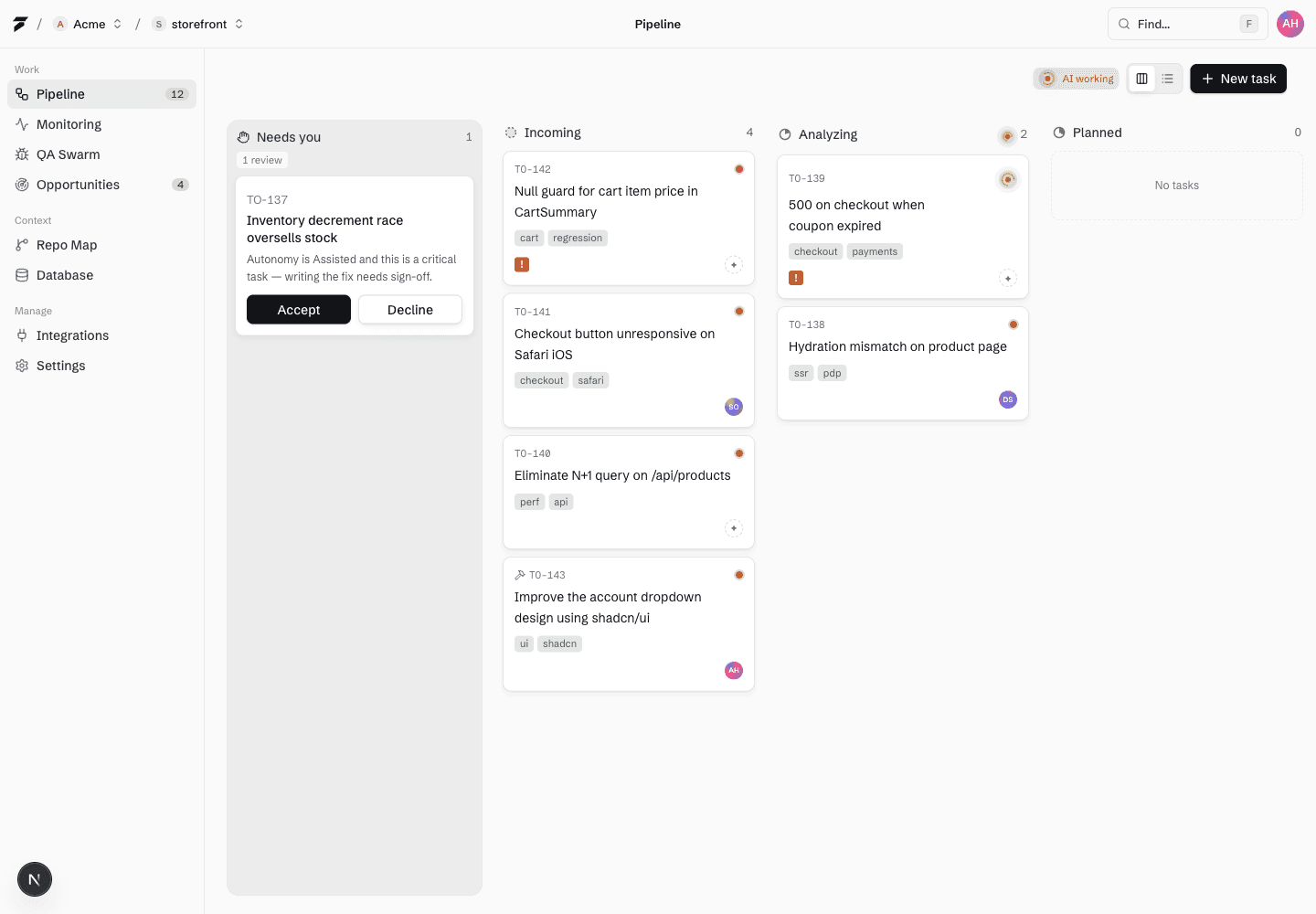
Move each error from incoming signal to reviewed pull request.
Triage
To200 reads the issue, summarizes impact, and decides what evidence is missing before changing code.
Incoming
TO-218
search 429s
Analyzing
TO-217
webhook timeout
Fixing
TO-214
cart null check
Verifying
TO-211
login redirect
Gather context
The failing route, request metadata, or browser context stays attached so the proposed fix remains tied to the production signal.
Verify
The checks available for the change are run and their results are attached before human review.
$ to200 status TO-214
stages triage → PR
guardrail branch-only
evidence checks attached
✓ Check results attached to the PR
In practice
Where teams use it
Production bugs
Turn incoming runtime errors into scoped repair tasks without manually grooming a queue.
Regression follow-up
Reopened failures return to the right stage with prior fix memory available.
Reviewer handoff
Engineers see the original issue, plan, branch, checks, and verification in one trail.
FAQ
Questions, answered.
Can the pipeline work manually?
Yes. You can keep To200 in manual or assisted mode and only let it start fixing after you move the task forward.
Who controls the merge?
Your team does. To200 stops at a pull request by default. Scale and High volume owners can deliberately enable merge-to-main, while branch protection, CI rules, and required reviews still apply.